
THE MEMORY CARD GUIDE · DJI OSMO POCKET 3 & 4
How to Choose a microSD Card for DJI Osmo Pocket 3 and Pocket 4
Avoid a slow-card mistake with the Pocket 3. Learn which speed labels matter, how much storage to buy and where DJI’s recommendations differ.
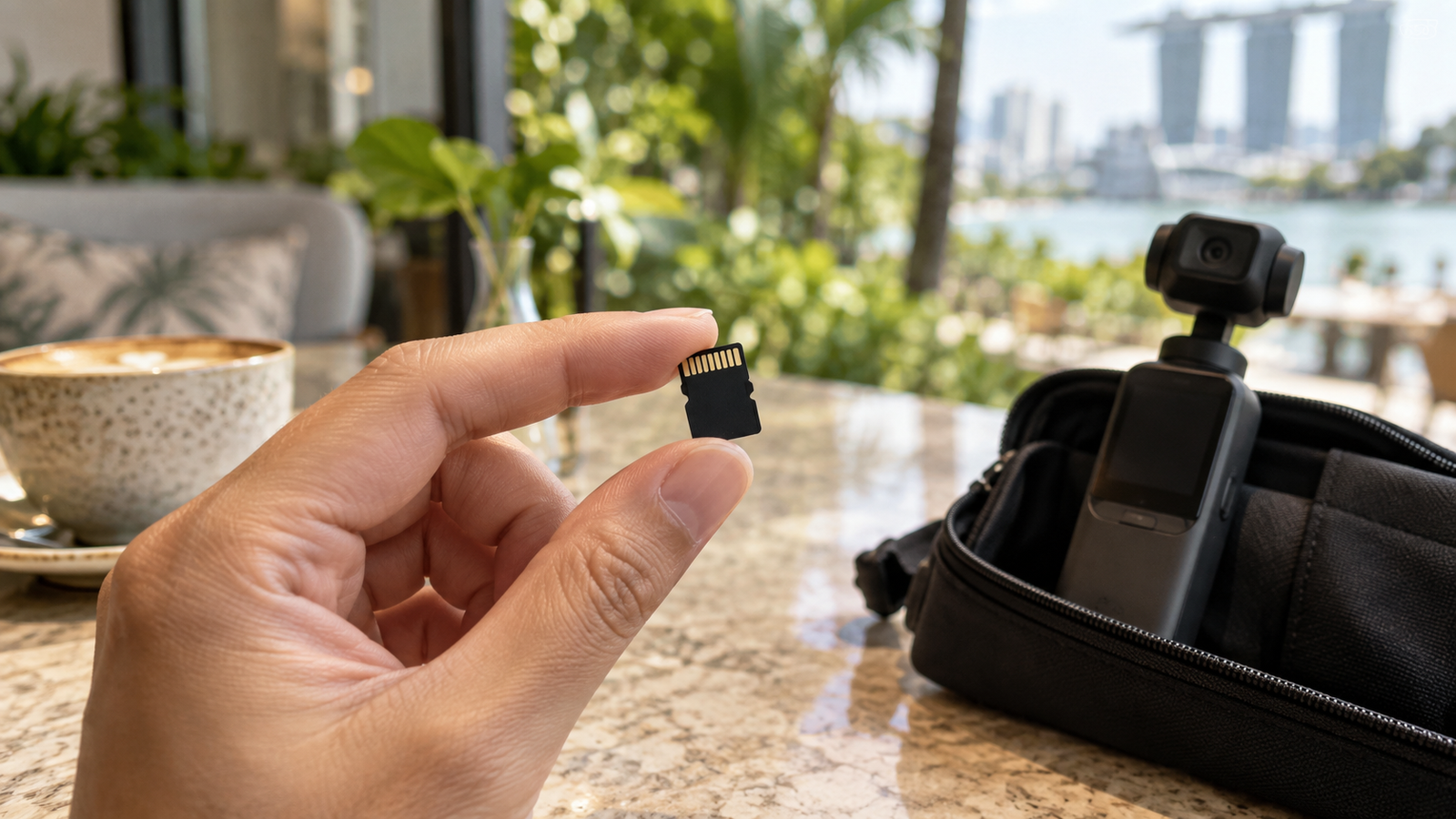
A straightforward-seeming choice can go wrong: starting with a SanDisk Ultra microSD card for the Pocket 3, only to find it appears too slow for the camera.
Choosing a card seems simple until you realise that storage capacity and recording performance answer two different questions.
This guide’s practical grounding is with the Pocket 3. It combines that lesson with DJI’s published recommendations for both models — the Pocket 4 portion is not a hands-on test.
Why a familiar microSD card can be the wrong fit
A card may work well for storing files and still be a poor match for demanding video recording. During filming, the camera has to keep writing data continuously. Having plenty of free space does not solve a speed mismatch.
SanDisk markets Ultra microSD cards for uses including Full HD video and storage expansion. That does not make the range a universal choice for every camera or recording mode. SanDisk Ultra product information. For a broader look at how SanDisk’s own ranges compare, see our SanDisk Ultra vs Extreme vs Extreme PRO guide.
This is not a claim that every Ultra card fails in every Osmo mode. The practical lesson is narrower: check the exact card’s ratings against your camera’s guidance before buying. Brand name and capacity are only part of the decision.
Read speed vs write speed: the difference that matters
Think of filming and transferring as two stages of the same trip:
- Write speed: how quickly the camera can save footage onto the card.
- Read speed: how quickly another device can retrieve footage from the card, such as when copying it to your computer.
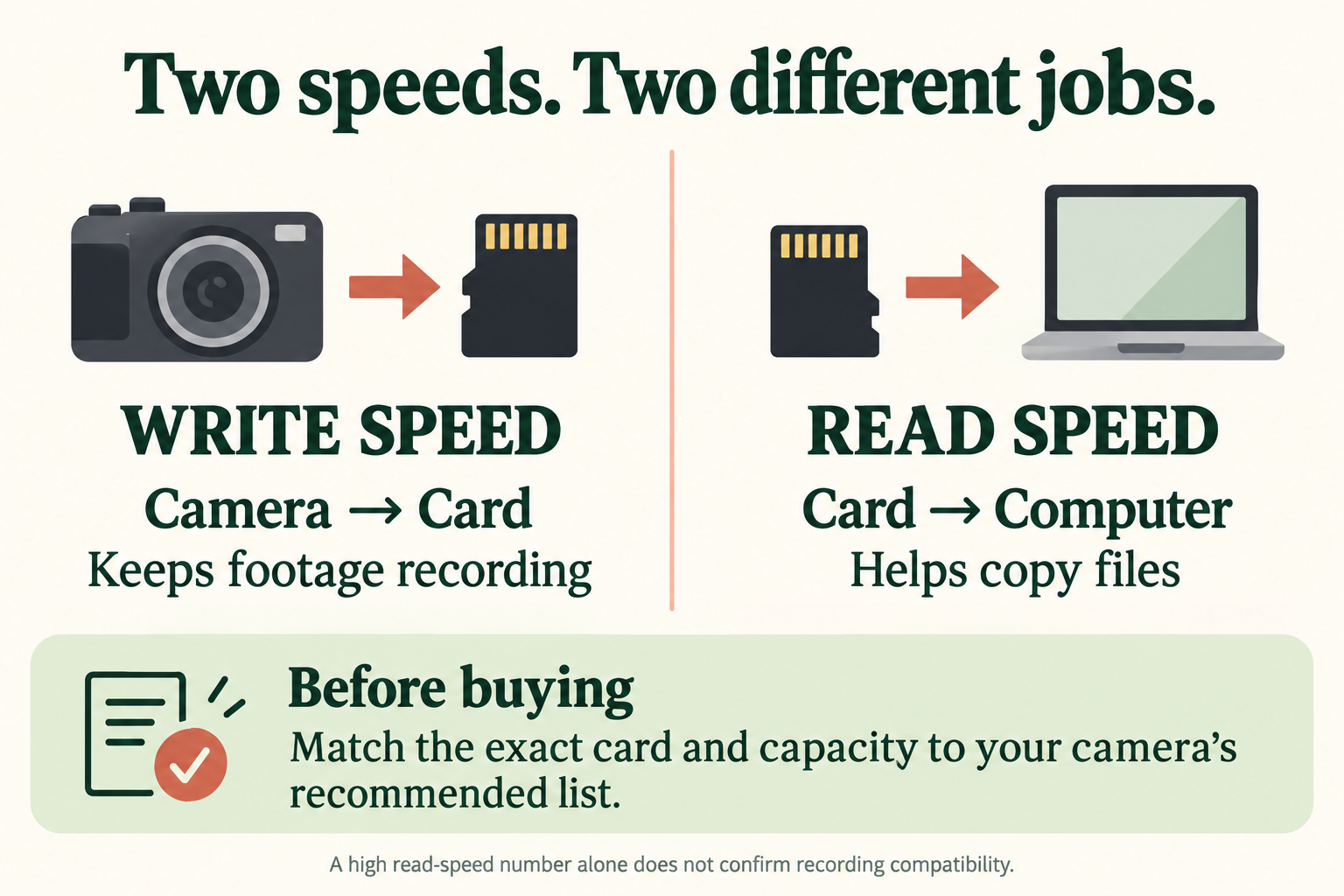
A prominent transfer-speed claim can be tempting, but it is not a substitute for a recording speed class. Look for the small symbols as well as the large number.
What do U3, V30 and A2 mean?
| Label | What it describes | How to use it |
|---|---|---|
| U3 | At least 30MB/s sequential writing under the UHS Speed Class standard’s conditions. | Check the marking against DJI’s listed card specifications. |
| V30 | At least 30MB/s sequential writing under the Video Speed Class standard’s conditions. | Useful for identifying a card’s sustained recording class. |
| A2 | An application-performance rating covering random access and sequential performance. | It does not replace U3 or V30 when checking video suitability. |
U3 and V30 belong to different rating systems; match the required symbols, rather than treating equal numbers as interchangeable. SD Association speed-class guidance; application-performance guidance.
For perspective, DJI specifies maximum video bitrates of 130Mbps for the Pocket 3 and 180Mbps for the Pocket 4. Dividing by eight gives 16.25MB/s and 22.5MB/s of video data respectively. These figures illustrate why continuous writing matters; they are not a compatibility test. Pocket 3 specifications; Pocket 4 specifications.
Pocket 3 vs Pocket 4: DJI’s recommended microSD cards
The general buying checks are similar, but the model-specific lists are not identical. Here is how the card families and capacities on DJI’s dedicated specifications pages compare:
| Card family | Pocket 3 | Pocket 4 |
|---|---|---|
| SanDisk Extreme PRO | 32GB — V30, A1, UHS-I U3 | Not listed |
| Kingston Canvas Go! Plus | 64GB, 128GB, 256GB, 512GB | 64GB, 128GB, 256GB, 512GB, 1TB |
| Kingston Canvas React Plus | 64GB, 128GB, 256GB | Not listed |
| Lexar Professional 1066x | 256GB, 512GB | Not listed |
| Lexar SILVER PLUS | 64GB, 512GB, 1TB | 64GB, 128GB, 256GB, 512GB, 1TB |
Sources: DJI Pocket 3 specifications and DJI Pocket 4 specifications. “Not listed” means absent from the checked recommendation list; it does not establish incompatibility. Match the full specification and capacity before ordering, since similarly named cards can have different generations.
Buying for both cameras?
The overlapping entries include Kingston Canvas Go! Plus at 64GB, 128GB, 256GB and 512GB, and Lexar SILVER PLUS at 64GB, 512GB and 1TB. Use these as a starting shortlist, then compare the exact card specifications on both current DJI pages.
What about SanDisk Extreme or Extreme PRO?
For the Pocket 3: DJI names the specific 32GB Extreme PRO version shown above. Do not extend that recommendation to every Extreme or Extreme PRO card.
For the Pocket 4: SanDisk was not found on the lists checked. Matching speed-class markings alone does not establish DJI’s recommendation. If you prefer another SanDisk model for either camera, ask DJI about the exact model and capacity. DJI’s handheld-camera card list.
128GB, 256GB or 512GB: how much space do you need?
Once you have shortlisted a suitable card, think about how often you can copy your footage. Some starting points to consider:
Short outings
Consider it if you record short clips and offload frequently.
More room to film
A middle option to compare for mixed everyday and travel use.
Longer between copies
Consider more capacity if you film heavily or travel without a laptop.
These are buying suggestions, not guaranteed recording times. Resolution, frame rate, bitrate and shooting habits change how quickly space fills up. Test a short clip at your usual settings to estimate your own needs.
The Pocket 4 also has 107GB of built-in storage, so a card expands its available space. The Pocket 3 has no built-in storage. Pocket 4 storage; Pocket 3 storage.
Whichever capacity you choose, copy important clips to a separate location regularly. More space should make filming convenient, not postpone your backups indefinitely.
Already having slow-card or recording problems?
Before buying another card, work through these checks:
- Identify the exact card. Check its model, capacity and markings against the list for your camera—not a different Osmo model.
- Back up your footage. Confirm your copies open correctly before formatting anything. Formatting erases the card’s contents.
- Format a compatible card using the camera or DJI Mimo. Follow DJI’s instructions for your model. Formatting can address some card problems, but cannot upgrade a card’s speed rating.
- Record a test using your intended settings. Check playback and try a longer recording before relying on the card for an important outing.
- If the issue continues, try a known-good recommended card and contact DJI support. Avoid assuming every recording problem has the same cause.
DJI’s troubleshooting guidance starts with card compatibility and recommends backing up before formatting. DJI recording troubleshooting.
Frequently asked questions
Can I use SanDisk Ultra in the Osmo Pocket 3 or Pocket 4?
Ultra does not appear on either camera’s checked recommendation list. It’s worth choosing a listed card rather than relying on the brand name or advertised read speed alone — a SanDisk Ultra card has appeared too slow in at least one real Pocket 3 setup, though that is not a test of every Ultra model or recording mode.
Is any V30 microSD card suitable?
V30 describes a performance class, not model-specific DJI approval. Match the full card model and capacity to the current recommendation list.
Will a bigger card fix slow recording?
More capacity provides more storage space. It does not by itself guarantee faster sustained writing. Check the new card’s model and ratings as well as its size.
Can I reuse my Pocket 3 card in a Pocket 4?
Some listed card families and capacities overlap, as the comparison above shows. Check the exact card against the Pocket 4 list before reusing it, back up any existing footage and test your intended recording settings.
Do I need the most expensive card?
Start with a recommended model in a capacity that suits your routine. Compare prices within that shortlist; a higher price alone is not a compatibility guarantee.