
MEMORY CARD BUYING GUIDE
SanDisk Ultra vs Extreme vs Extreme PRO: Which Memory Card Should You Buy?
Choose a card that fits your camera, your plans and your budget—with less guesswork.
6-minute read
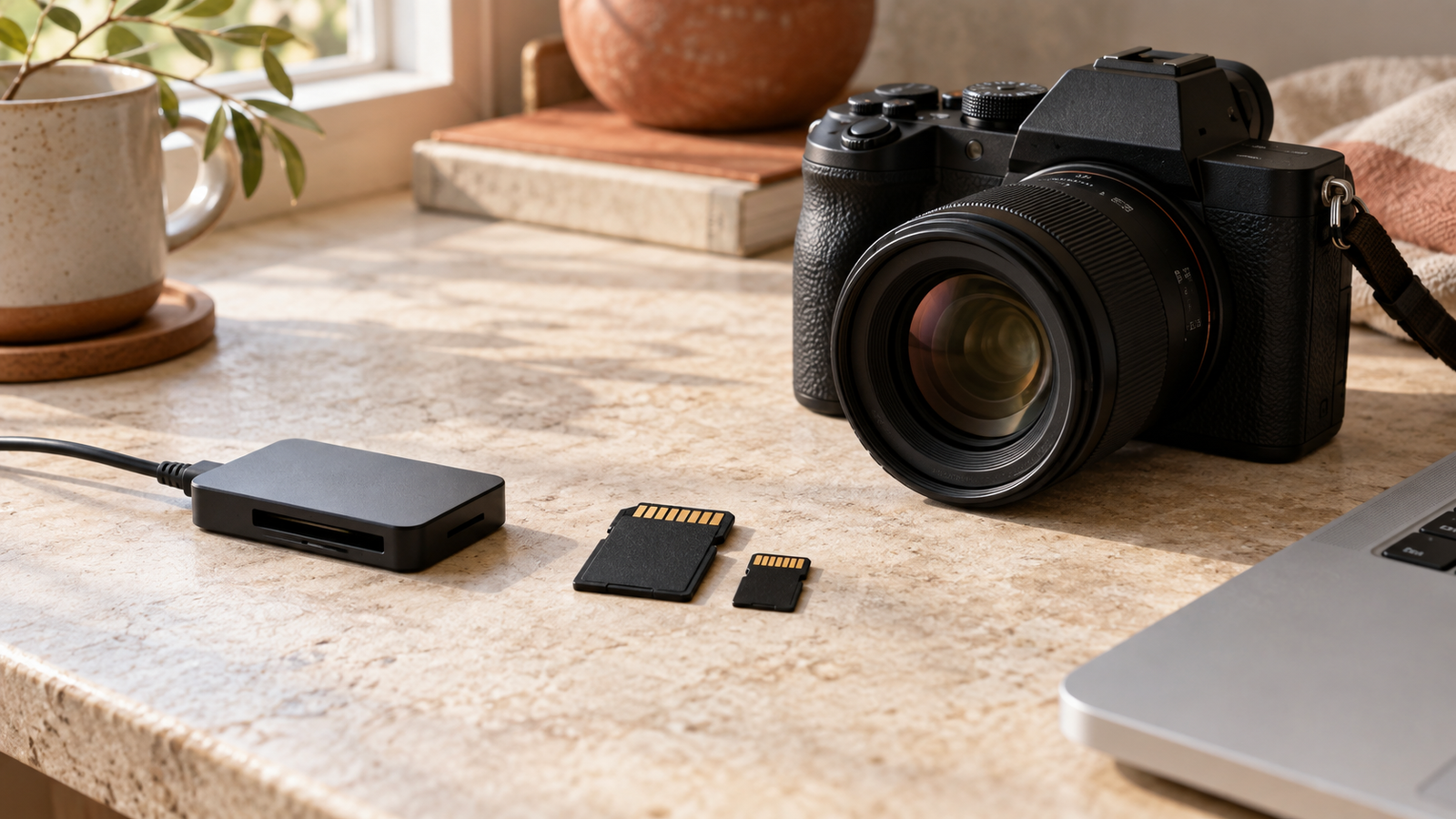
You are packing for a holiday, setting up a new camera or choosing a microSD card for an action camera. Three names keep appearing: SanDisk Ultra, Extreme and Extreme PRO. They sound similar. Which one belongs in your basket?
Start with your device and what you want to record. A higher-priced card is useful when your equipment and workload can benefit from it. For occasional photos, your priorities may be quite different from someone filming a full afternoon of video.
SanDisk Ultra, Extreme and Extreme PRO compared
SanDisk positions Ultra for everyday needs and Extreme for more demanding camera and video use. Its Extreme PRO range includes options aimed at high-performance capture and transfers. Use the table to shortlist a range, then compare individual products. SanDisk’s camera and recording guidance; Extreme PRO microSD specifications.
| Range | When to consider it | What to check |
|---|---|---|
| Ultra | Everyday photos, file storage and compatible Full HD recording | The device’s required speed class and supported capacity |
| Extreme | More demanding photography and supported 4K recording modes | The exact card’s video speed class and your recording settings |
| Extreme PRO | Frequent shooting and large file transfers where extra performance helps | Actual read/write specifications, interface and reader compatibility |
There is no single speed for an entire range. SD and microSD versions, different capacities and older or newer generations can have different specifications—even when the family name is the same. Compare the model number and capacity, not just the colour of the label.
Read speed and write speed do different jobs
Imagine you have finished filming a family day out. Your camera needed to write footage to the card while you recorded. Your laptop now needs to read that footage to copy it across.
A large “up to” transfer figure on the packaging does not, by itself, tell you whether the card can sustain your camera’s recording mode. SanDisk also notes that some advertised speeds require compatible equipment. SanDisk’s performance conditions.
What do U3 and V30 mean?
U3 and V30 each indicate a minimum sequential write speed of 30MB/s under their respective standard’s conditions. They belong to different speed-class systems, so match the symbol your device requires. A V30 requirement calls for a V30-rated card or a suitable higher Video Speed Class—not simply a fast-looking transfer number. SD Association speed-class guidance.
For 4K, check the recording mode. Resolution alone does not determine the card you need: bitrate and recording settings matter too. If your camera specifies V60 or V90 for a mode, a V30 card does not meet that requirement just because its packaging mentions 4K.
Before choosing a range, check that the card fits
Format
Does your device take SD or microSD?
Capacity
Does it support the card type and storage size?
Speed class
Does the card meet the requirement for your recording mode?
SD and microSD describe different physical sizes. SDHC and SDXC describe capacity standards: SDHC covers more than 2GB through 32GB, while SDXC covers more than 32GB through 2TB. An older SDHC-only device cannot use an SDXC card just because it fits the slot. SanDisk’s compatibility guide.
An adapter can let a microSD card fit an SD slot, but it does not upgrade the card’s speed or change the host’s compatibility. Check the manual before buying a larger card for an older device.
Which card makes sense for your routine?
“I mostly take holiday and family photos.”
Start by checking whether an Ultra model meets your camera’s requirements. Compare the price with a suitable Extreme card, then decide whether your shooting habits justify the difference. Occasional single photos and long bursts of high-resolution images are different workloads.
“I use an action camera or drone.”
Check the manufacturer’s recommended card list for your exact model. If a listed Extreme or Extreme PRO card meets your recording mode’s requirements, compare capacity and price next. A familiar brand name is helpful, but the device’s approved specification should guide the purchase. Once you know your device’s requirement, browse our SanDisk Extreme microSD cards.
“I shoot often and copy lots of footage.”
Compare the exact Extreme and Extreme PRO models side by side. A faster card may make sense if you regularly wait for transfers, but include your card reader and computer connection in that decision. Buying a faster card alone may not remove the bottleneck.
“I need a card for my dash cam or security camera.”
Look at endurance models designed for repeated recording. SanDisk specifically makes High Endurance cards for dash cams and home monitoring systems. Check your camera’s supported card list and capacity limit before choosing one. SanDisk High Endurance information.
How much storage should you buy?
Think about the longest gap between opportunities to copy your files. A short outing and a week of filming on holiday call for different amounts of space.
For a useful estimate, record a short clip using your usual settings and check its file size. Scale that up to the amount you expect to film, then leave room for extra takes and photos. This is more useful than a universal “hours of 4K” figure, because video file sizes vary with the settings.
Whatever capacity you choose, copy important files to a separate location regularly. A large memory card is convenient storage; it should not be your only copy of irreplaceable memories.
Frequently asked questions
Is SanDisk Extreme PRO always better than Extreme?
It depends on the specific cards and your device. Compare the same capacity and interface, including read and write specifications. Extra performance is most useful when your equipment can use it and it solves a problem you actually experience.
Can I use SanDisk Ultra for 4K video?
Do not choose by the range name alone. Check the exact card’s rating against your camera’s requirements for that 4K mode. SanDisk positions Ultra around everyday use; a suitable Extreme or Extreme PRO card may be the more appropriate shortlist for demanding recording.
Will a faster memory card improve photo quality?
A faster card does not increase the resolution or detail of a saved photo. It can affect how efficiently a compatible camera stores images, which matters more when shooting in bursts than when taking an occasional picture.
Is Extreme PRO the same as UHS-II?
No. Extreme PRO is a product family; UHS-I and UHS-II refer to interfaces. Extreme PRO SD products include different interface versions. Read the full product name and check your camera and reader support. Example: Extreme PRO UHS-I SD card.
Pingback: DJI Osmo Pocket 3 & 4 microSD Card Buying Guide